Make shared resources easy to find and book.

Reservations

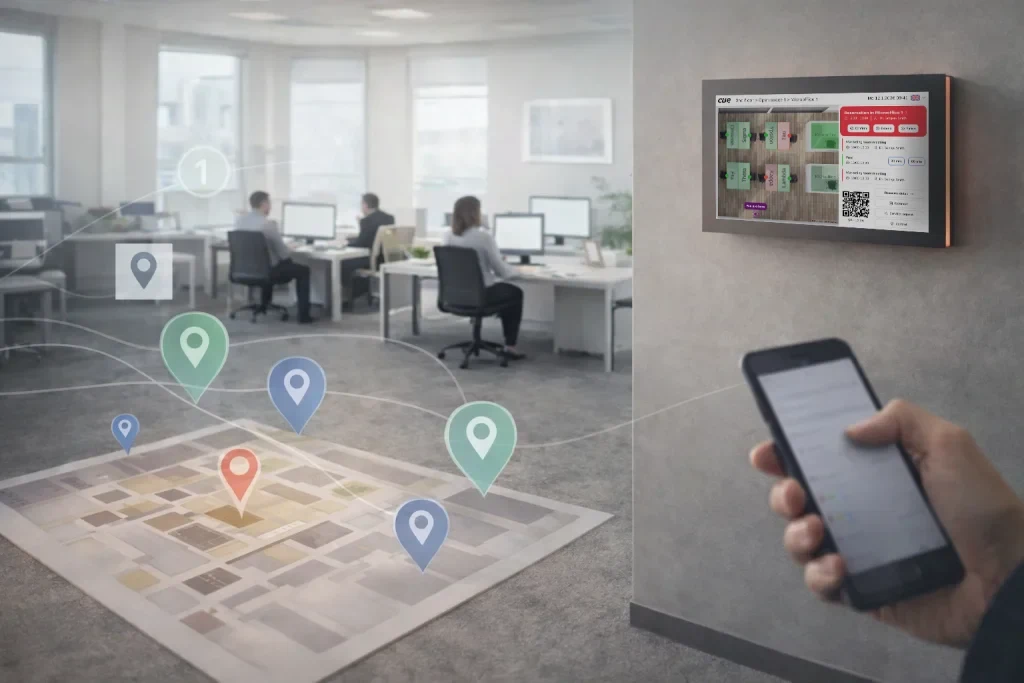
From meeting rooms and desks to parking spaces, vehicles and lockers. CUE helps people plan their day and organizations manage their resources.

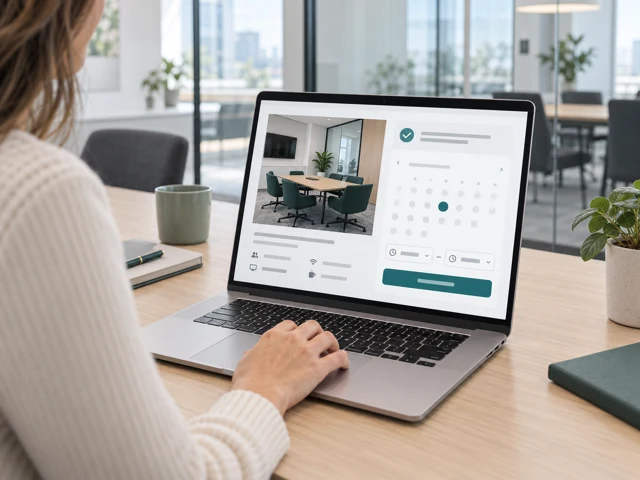
Book through CUE Assist on desktop or mobile, find resources directly in Outlook, or interact with reservation displays at your workplace.

One connected reservation ecosystem

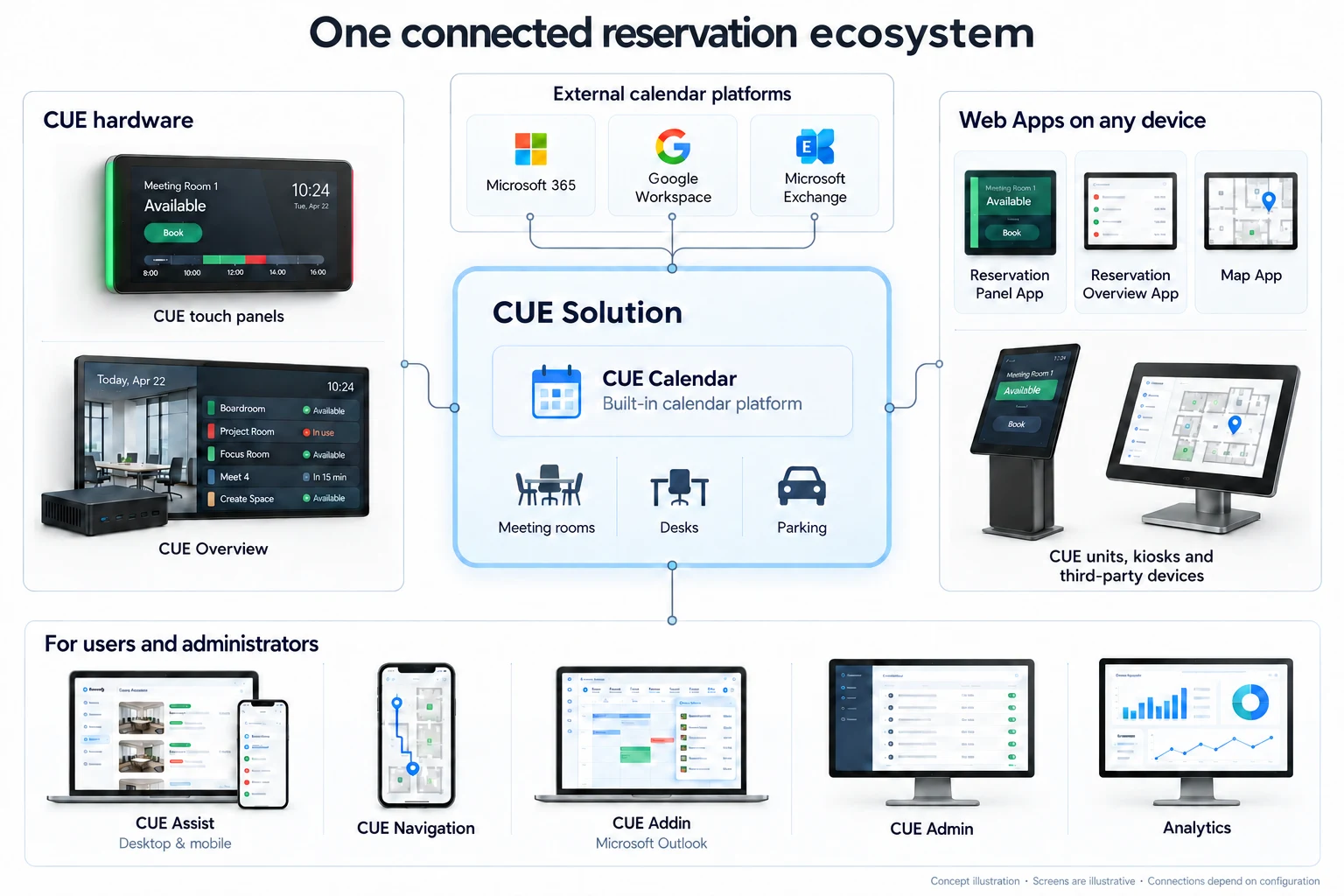
Connect booking applications, calendar platforms and workplace devices in one solution.

CUE Solution includes CUE Calendar and supports integrations with Microsoft 365, Google Workspace and Microsoft Exchange. Users access reservations through familiar interfaces, while administrators manage resources and booking settings centrally.

Choose the combination of applications, devices and calendar platforms that fits your project. Available features depend on the selected configuration.

What would you like to reserve?

Meeting rooms

Desks

Parking spaces & Vehicles

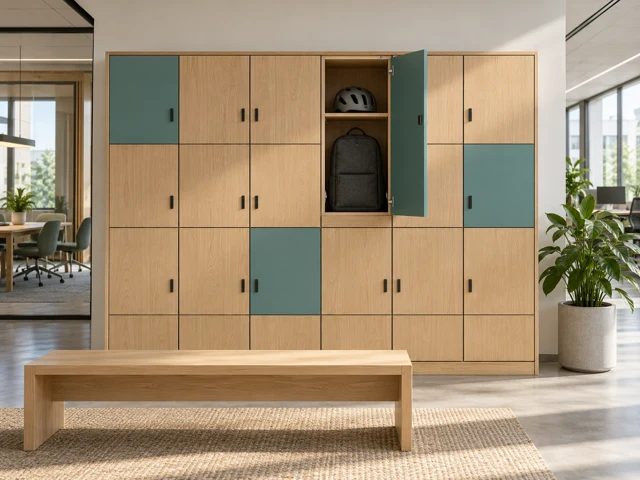
Lockers & others

From planning to arrival

1. Find

Search for a resource by availability, location, capacity and other relevant properties.

2. Book

Create a reservation and keep track of your plans. Review or update your bookings when your schedule changes.

3. Arrive

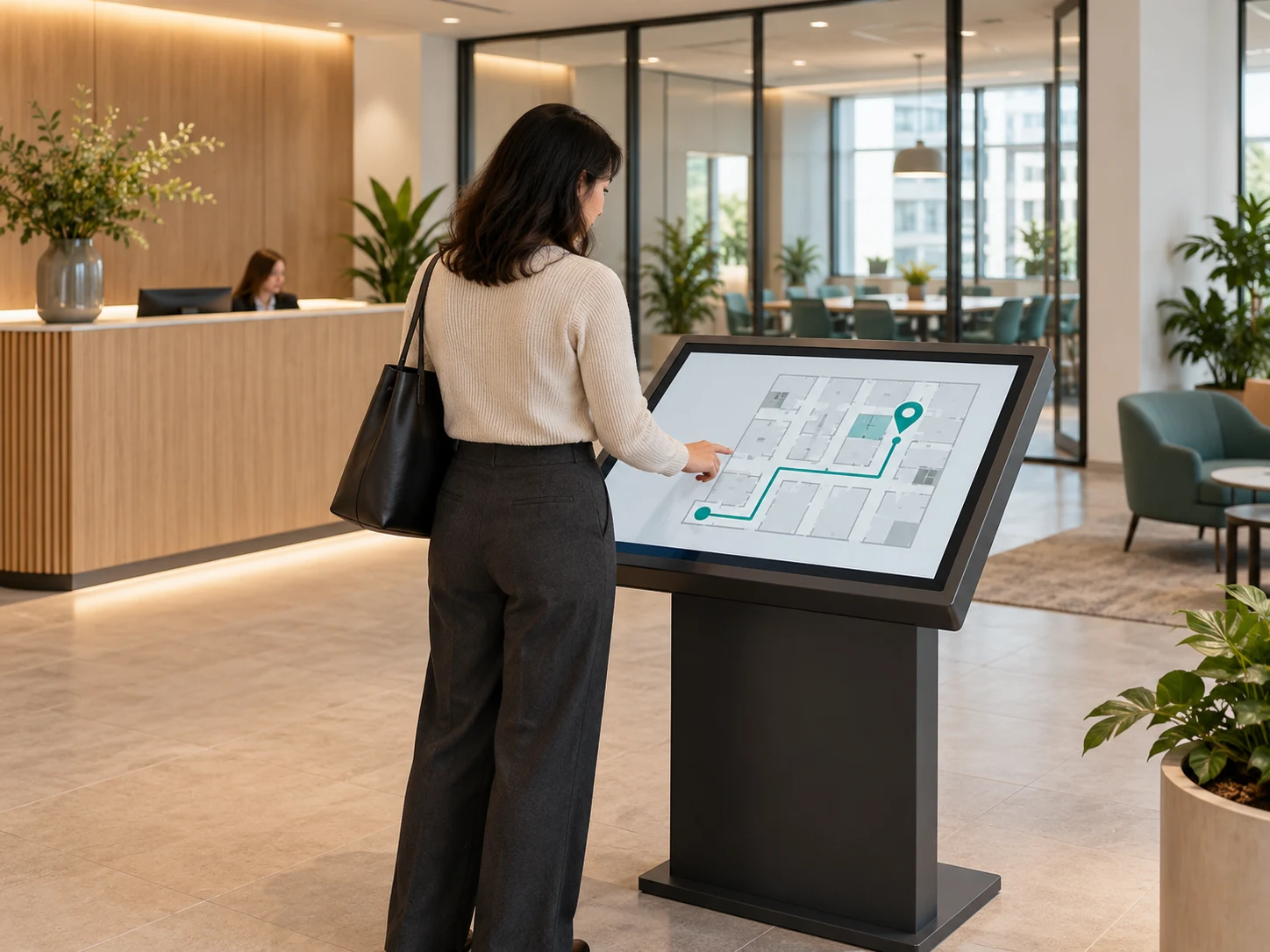
Use maps, kiosks and overview displays to find your destination and check resource availability.

4. Use

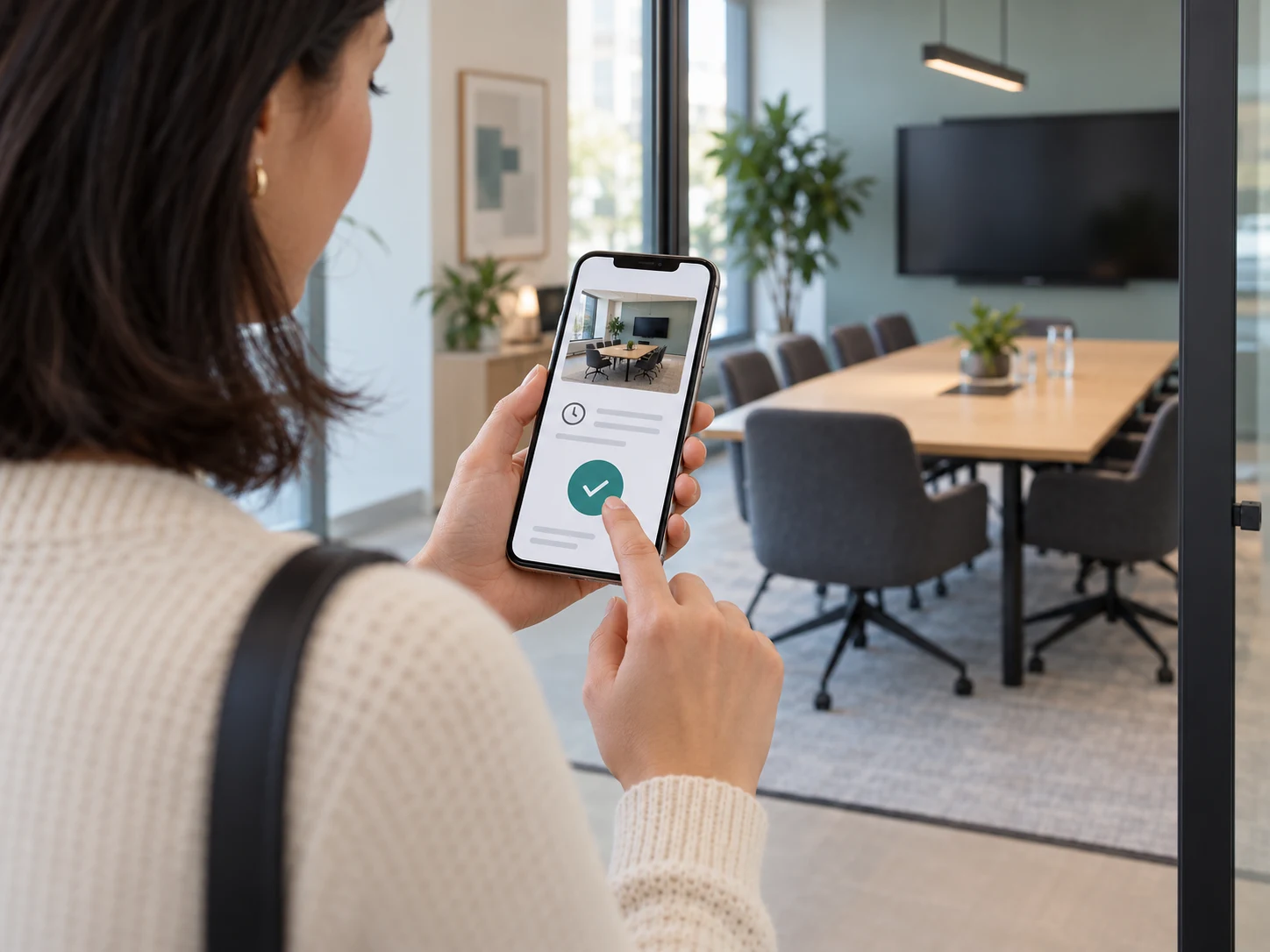
View reservation details on your device or a nearby panel. Where required, confirm your arrival according to your organization’s booking rules.

Book the way that works for you

CUE Assist

Your reservations on desktop and mobile

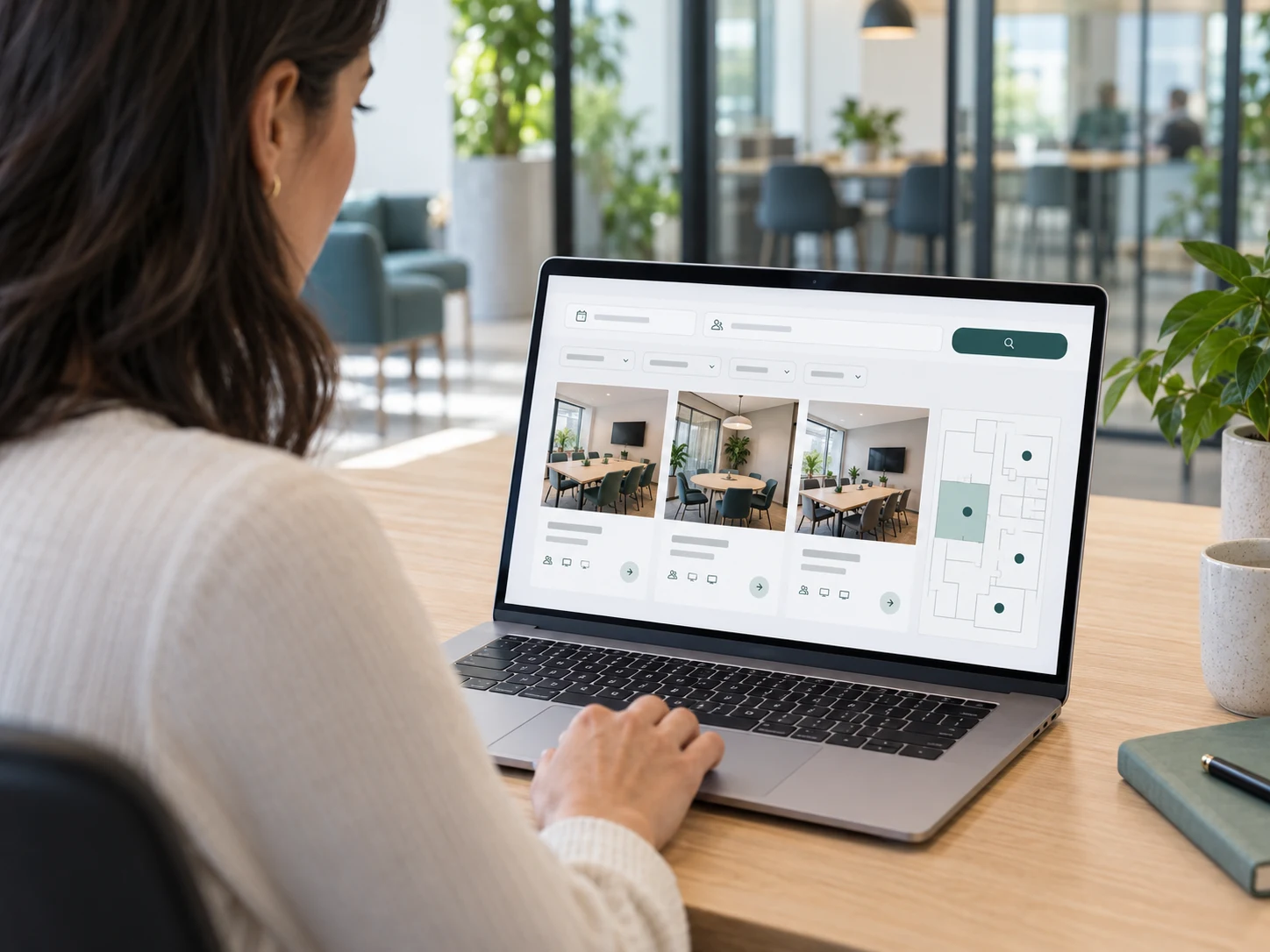
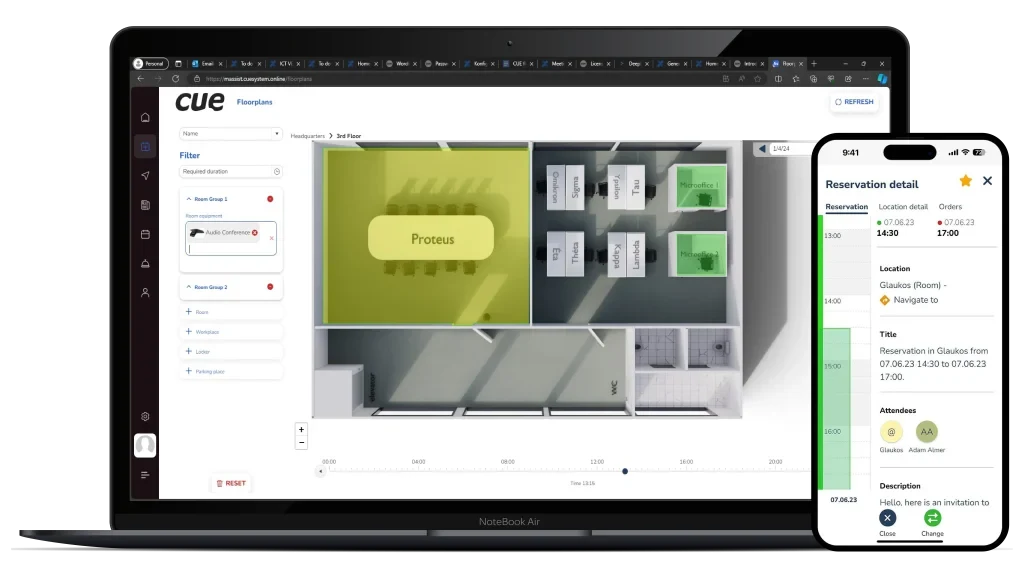
Find available resources, explore their details and manage your reservations in a web browser. Use floor plans and timelines to choose a suitable place for your day.

CUE Addin

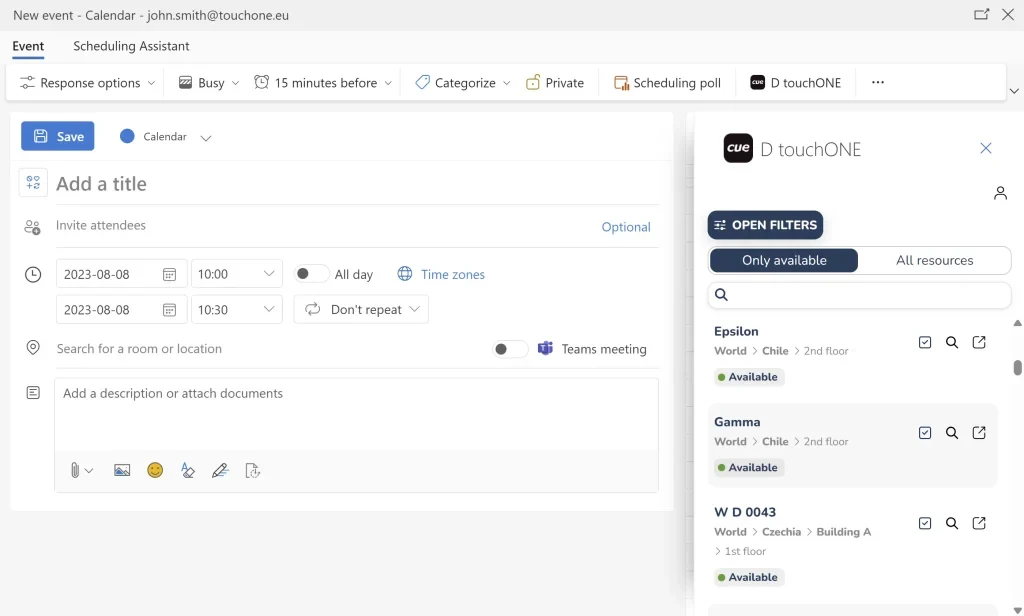
Find resources directly in Outlook

Search for rooms and other shared resources while creating an Outlook event. Filter by resource properties, check the details and add your selected resource to the event.

Bring reservation information to your workplace

Give people access to resource availability and reservation information where they need it — outside a meeting room, at reception or in a shared area.

CUE touch panels

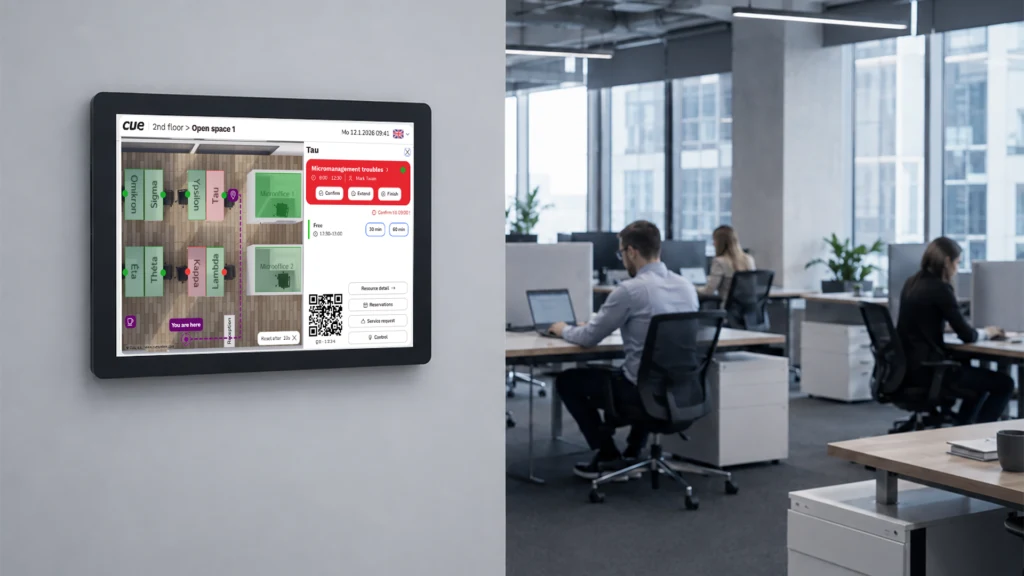
Display room availability and reservation details directly at the room. Provide on-site interaction according to the selected application and configuration.

CUE overview

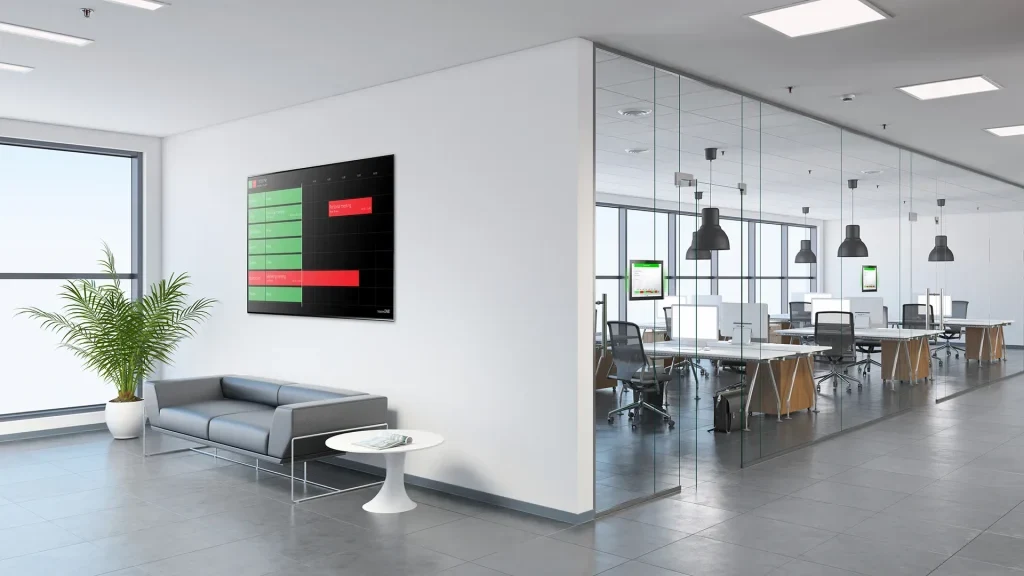
Present reservation overviews on larger displays, helping people check room schedules and availability at a glance.

Web Apps on any device

Use Reservation Panel App, Reservation Overview App and Map App on compatible CUE units, kiosks and third-party devices.

Choose the view that fits the location: a room reservation screen, an overview of multiple resources or an interactive floor plan.

Choose your calendar platform

Use CUE Calendar or connect CUE Solution to a supported external calendar platform. The right choice depends on your existing environment and the booking experience you want to provide.

CUE Calendar

The calendar platform included in CUE Solution for managing resource reservations.

Microsoft 365

Connect resource reservations to your organization’s Microsoft 365 environment.

Google Workspace

Connect resource reservations to your organization’s Google Workspace environment.

Microsoft Exchange

Integrate resource reservations with a supported Microsoft Exchange environment.

Zimbra & IceWarp for touchONE HW

touchONE reservation panels and overview also support Zimbra and IceWarp.

Set the rules. Manage centrally.

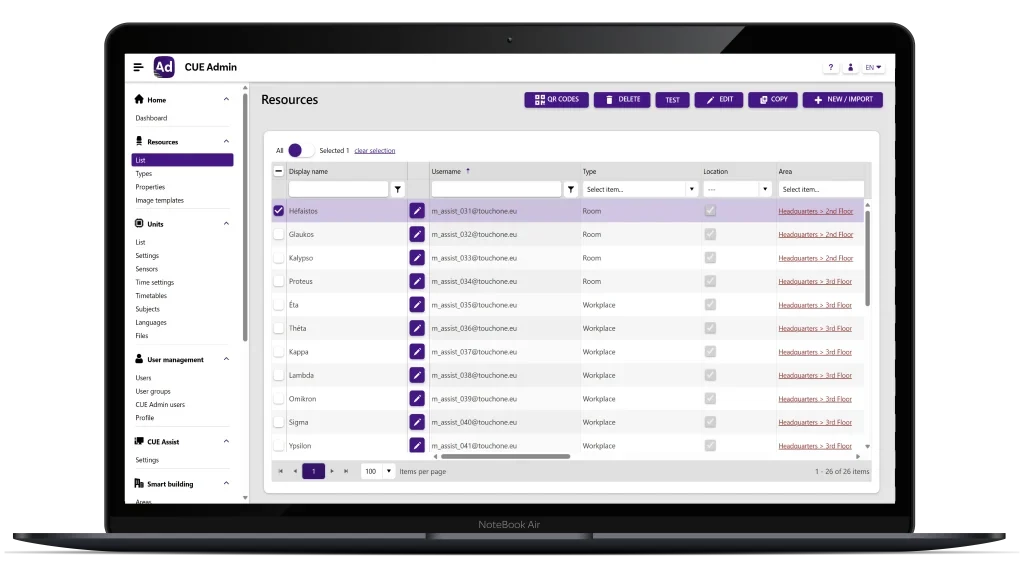
Use CUE Admin to manage resources, their properties and reservation settings.

Adapt booking rules to your organization’s needs and configure the applications and devices used across your workplace.

Turn reservation data into useful insights

Explore booking patterns across resources and time periods. Use analytical dashboards to support decisions about workplace capacity and reservation policies.

Where occupancy data is available, distinguish between booked time and actual use for a more complete picture.

Let’s plan your reservation solution

  • What do you need to book?

  • Which calendar platform do you use?

  • How will people access the system?

Tell us about your project. We will help you select the right combination of applications, devices and integrations.

Fill in your details

Antrag auf Zugang zum Support-Portal

Füllen Sie Ihre Daten aus