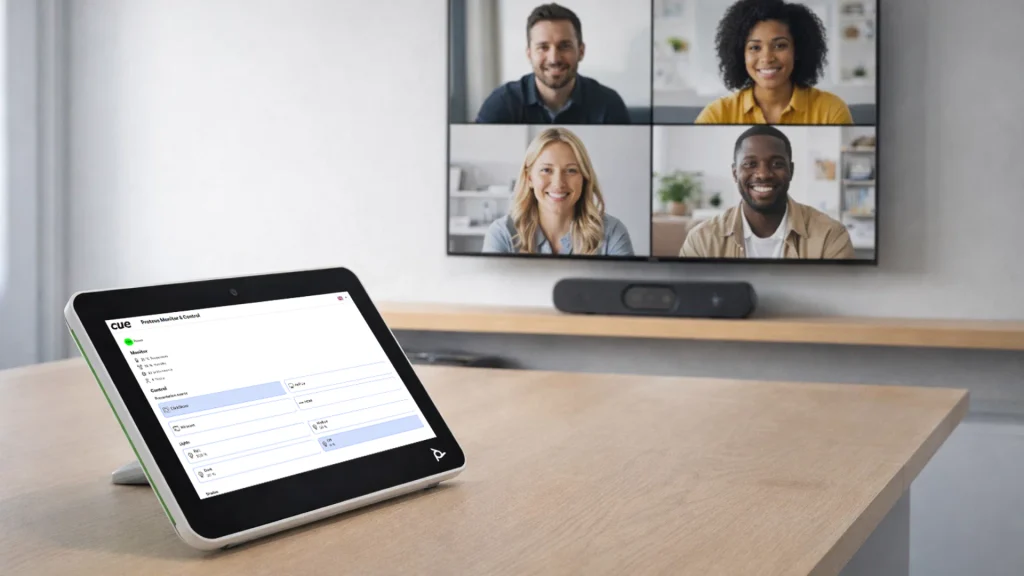
HP Poly tablets as control & reservation panels
HP Poly Integration
- Room reservation and control directly from Poly touch panels
- Seamless integration with CUE control system
- Fully compatible with CUE reservation panels
Description
Poly TC8 and TC10 are modern touch-control panels that can be used not only for video conferencing but also as a central user interface for reserving a room and controlling other meeting-room technologies, such as displays, audio, lighting, heating, and air conditioning. This functionality is enabled through the AV Control feature, which allows integration of custom control interfaces via a web application.
Poly touch control panels support displaying a custom control interface directly on their touchscreen. This is achieved by loading a web application into the panel through the Poly administration settings. The web application can be hosted locally (on-premise) or in the cloud.
In the Poly device administration portal, configure the web application URL for AV Control. Once activated, the Poly touch-control panel will display the control interface alongside standard video conferencing features.
Benefits
Simple and intuitive room control
All essential meeting‑room functions are available on a single touch panel: video conferencing, display control, audio, lighting, heating, and air conditioning.
Faster meeting start
Users don’t need to search for separate remote controls or figure out how to switch inputs.
Room reservation directly on the panel
The panel displays room availability and enables immediate reservations and meeting management.
Customizable control interface
The web‑based UI can be tailored so users see only the functions relevant to that room.
Consistent user experience across all rooms
Regardless of the room size or equipment, the touch panels behave the same.
Remote and centralized management
The custom user interface is configured centrally via the CUE Admin administration application.
Where to Use HP Poly Integration
Meeting rooms
Boardrooms
Training rooms
Classrooms
HP Poly Compatible Products
This modern solution enables native room reservation and control using HP Poly TC8 and TC10 touch control panels.
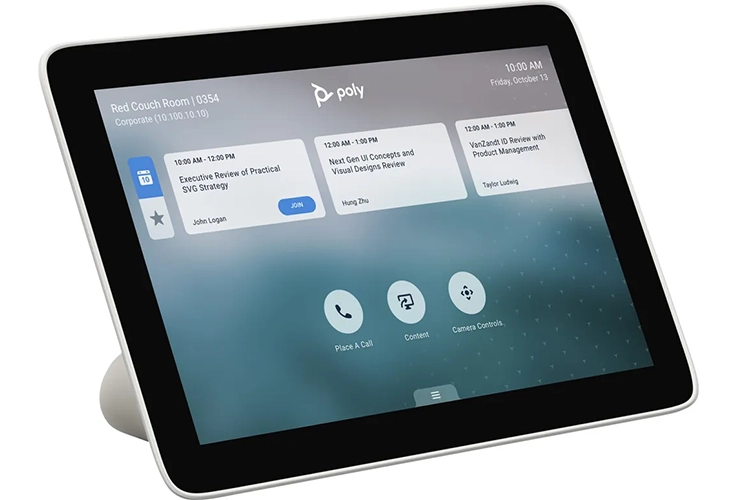
HP Poly TC8
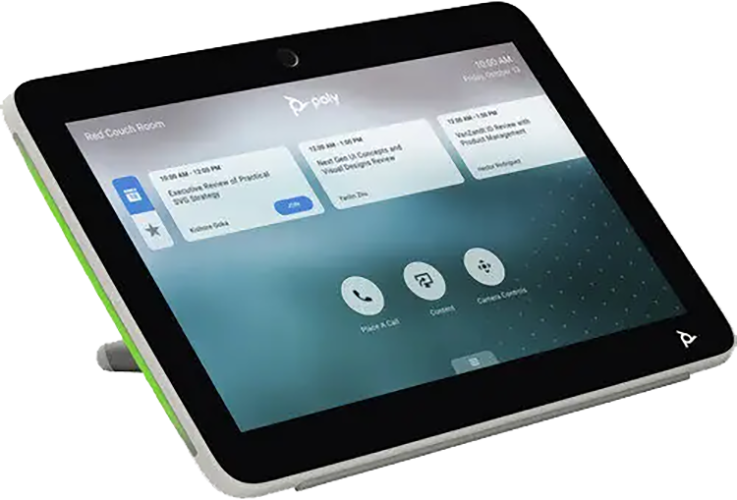
HP Poly TC10
Reservation & Control in One
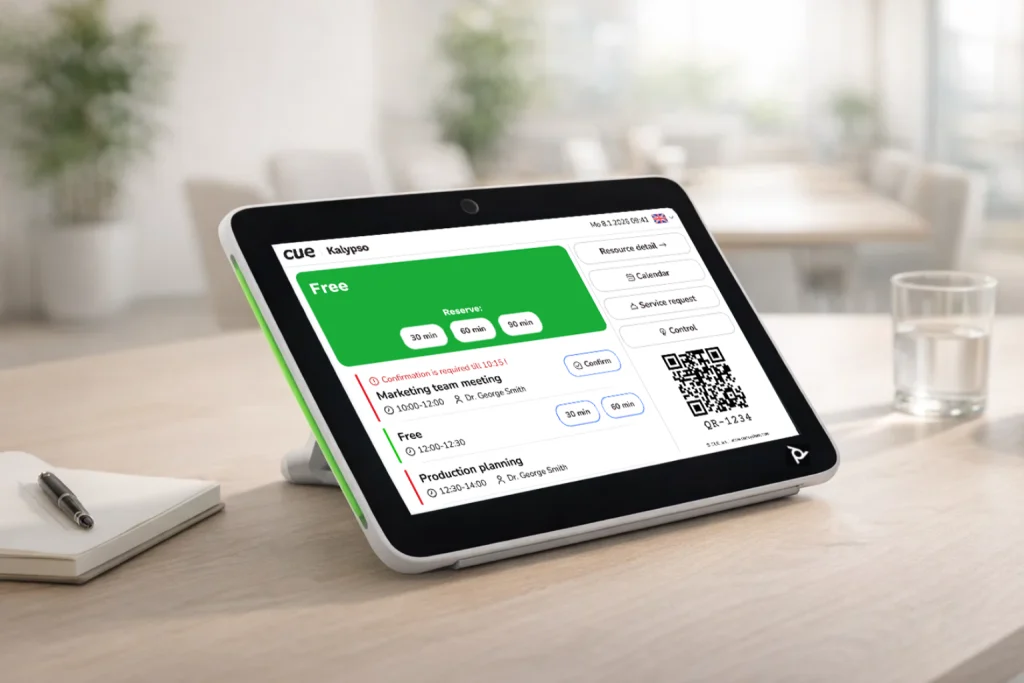
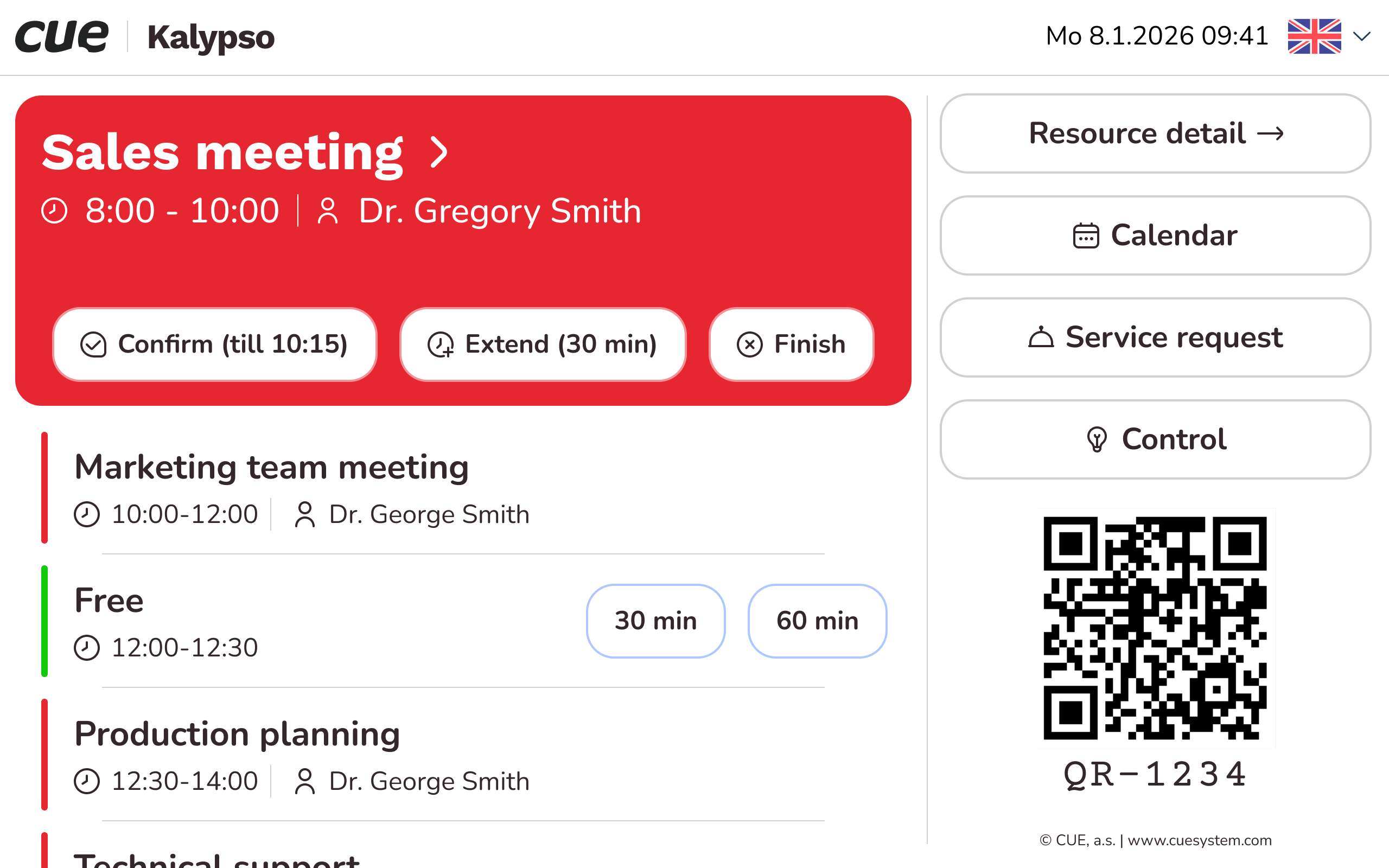
The room reservation application provides a clear, real‑time overview of a room’s availability and meeting status. Users can quickly reserve the room on the spot, extend or end an ongoing meeting, and view detailed room information, including photos and videos. The application also supports ordering additional services such as catering, technical support, or housekeeping. Beyond scheduling, the app integrates with the room’s control systems.
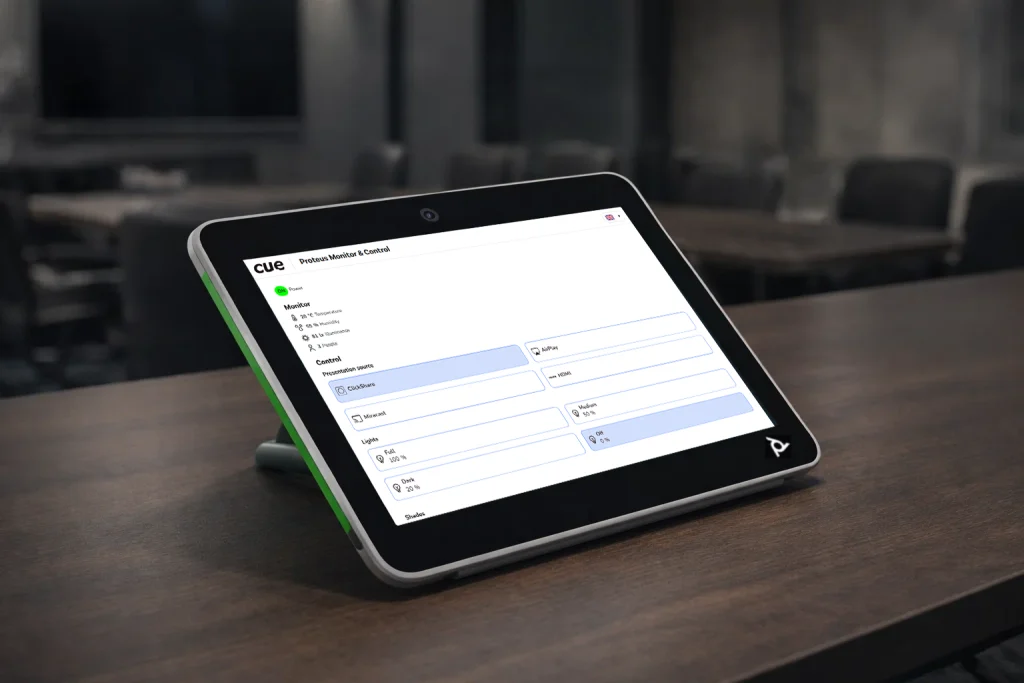
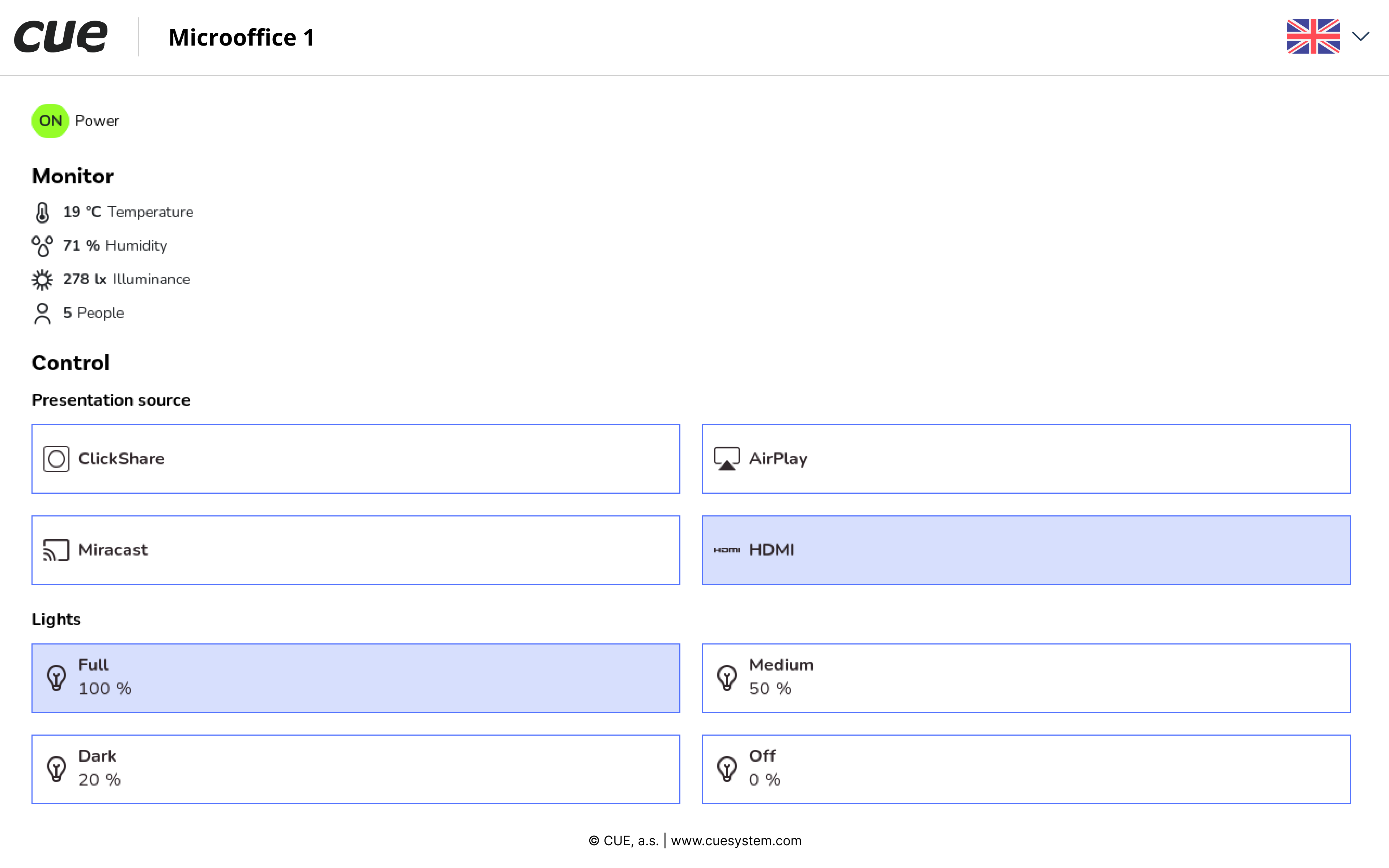
The web application provides graphical elements that allow users to monitor and control various room technologies. Typical functions include turning the monitor or projector on/off, adjusting lighting levels, setting temperature or HVAC modes, controlling blinds or other peripherals, etc. Communication between the web application and devices is implemented via CUE controllers using IP-based protocols, serial channels, infrared ports, digital IOs, relays, etc.
Application Diagram