See your workspace smarter
Interactive Mapping
- Real‑time visualization of workspace layouts
- Fast search and resource discovery
- Occupancy and availability tracking
- Integrated booking and resource management
- Flexible, interactive workspace management
Description
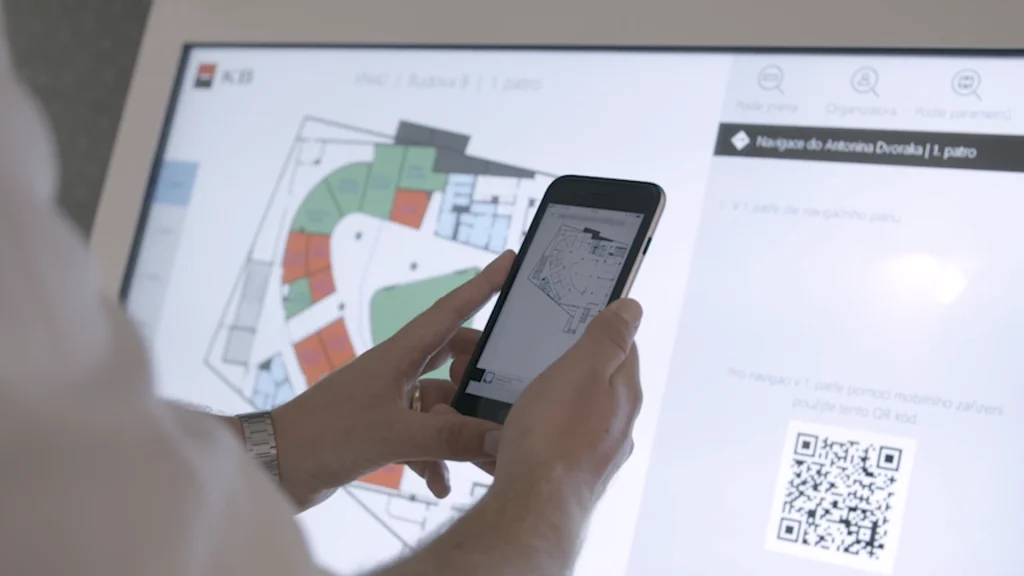
Interactive mapping is a modern application that visualizes, manages, and optimizes office layouts and workplace environments using dynamic, intuitive mapping tools. The app provides a clear, interactive overview of workspaces, meeting rooms, equipment, and shared areas, helping organizations improve space utilization and streamline daily operations. Navigate your workspace with confidence and efficiency, all at your fingertips.
With interactive mapping, users can:
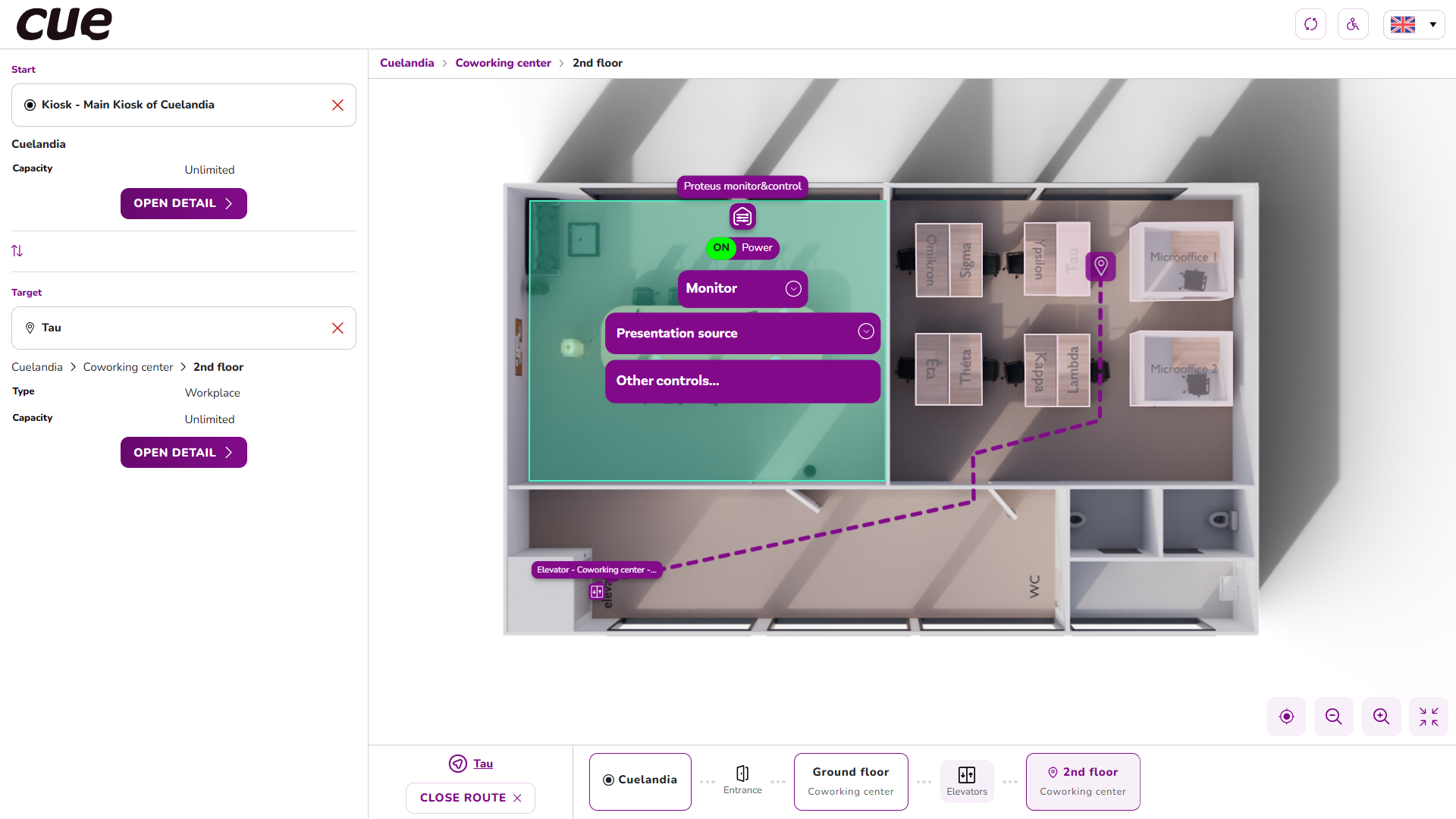
- View real‑time workspace layouts with accurate floor maps.
- Locate desks, rooms, and resources quickly using smart search and filtering.
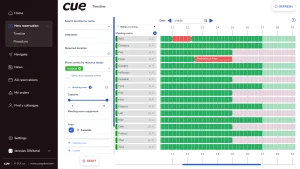
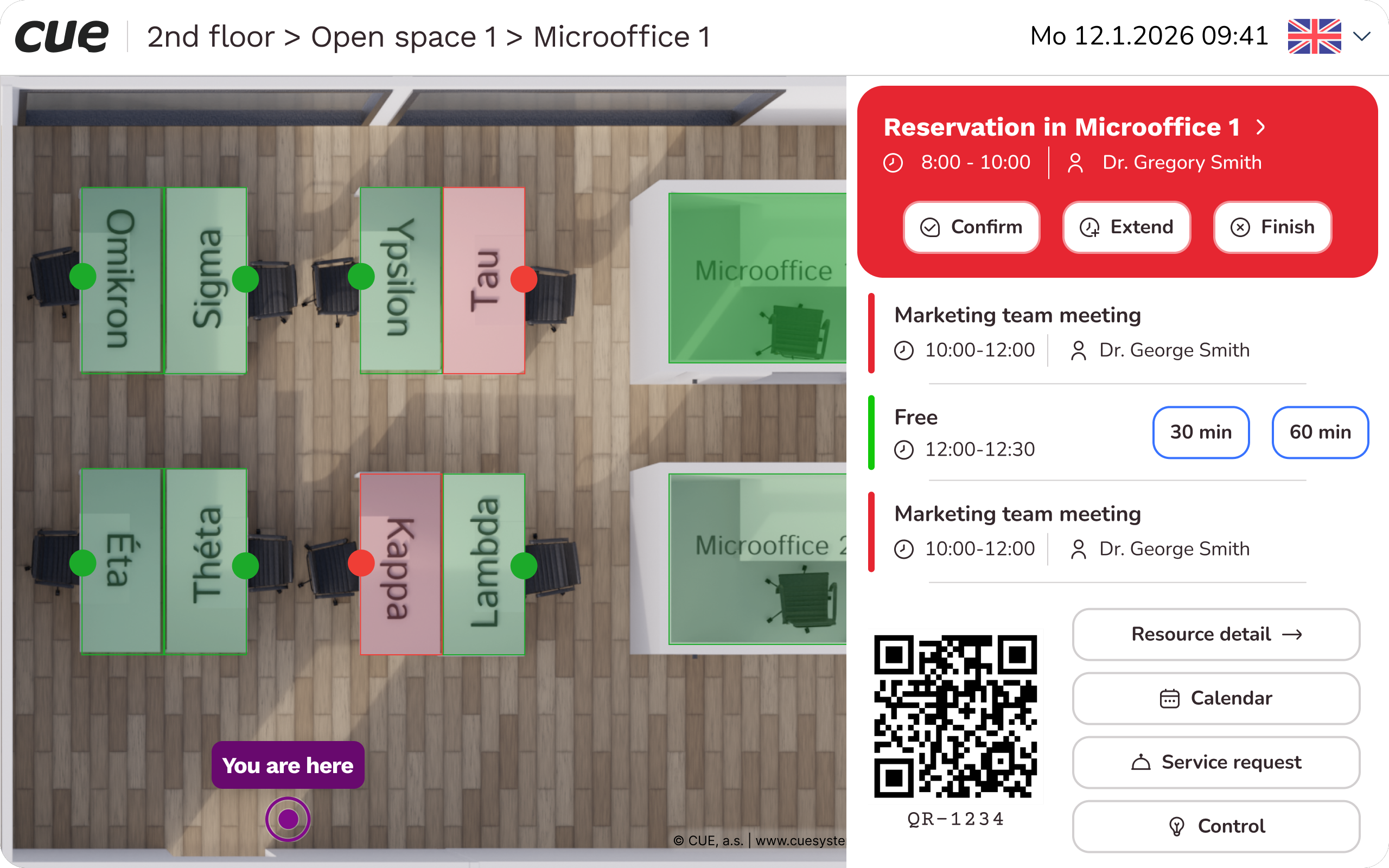
- Track workplace and meeting room occupancy and availability.
- Assign or reserve resources through an integrated booking system.
- Add interactive layers such as seating charts, department zones, or IT equipment.
- Monitor usage trends and analytics to support planning and optimization.
- Easily update floor plans as teams or office layouts change.
Designed for facility managers, office administrators, HR teams, and hybrid‑work organizations, the application helps improve workplace transparency, enhance employee experience, and support data-driven decisions about space management.
Benefits
Better space utilization
Interactive mapping gives organizations a real‑time, accurate view of how desks, rooms, and shared areas are used. This helps them allocate space more effectively and reduce wasted capacity.
Better employee experience
Employees can navigate the workplace with confidence, find what they need quickly, and work more efficiently in a transparent, easy‑to-understand environment.
Faster navigation and resource location
Smart search and filtering make it easy for employees to quickly find desks, meeting rooms, equipment, or specific areas within the workspace.
Improved workspace booking and coordination
An integrated booking system enables users to reserve desks or rooms efficiently, reducing conflicts and improving overall workspace planning.
Real‑time occupancy awareness
Live occupancy and availability tracking helps teams understand which areas are free, busy, or underutilized, supporting hybrid‑work scenarios and flexible seating models.
Enhanced transparency across the organization
Interactive layers such as seating charts, department zones, and equipment layouts give everyone a clear picture of the office setup and where people or resources are located.
Data‑driven decision making
Built‑in analytics and usage trends allow facility managers and HR teams to make informed decisions about space planning, office redesigns, or resource allocation.
Easy updating and adaptability
As teams grow or workspace layouts change, floor plans can be quickly updated, keeping the mapping accurate without complex rework.