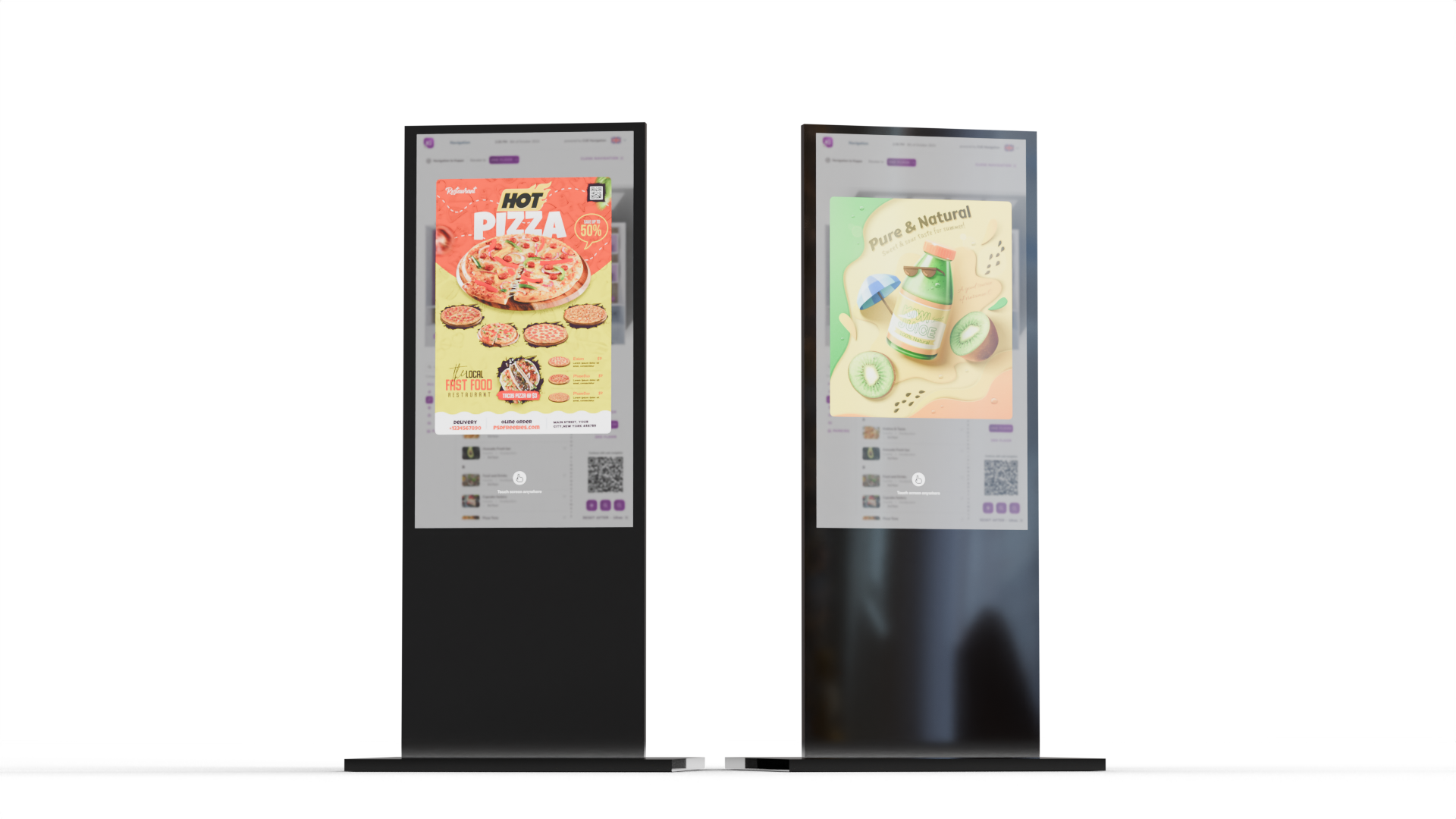
Typical places where kiosk can be used
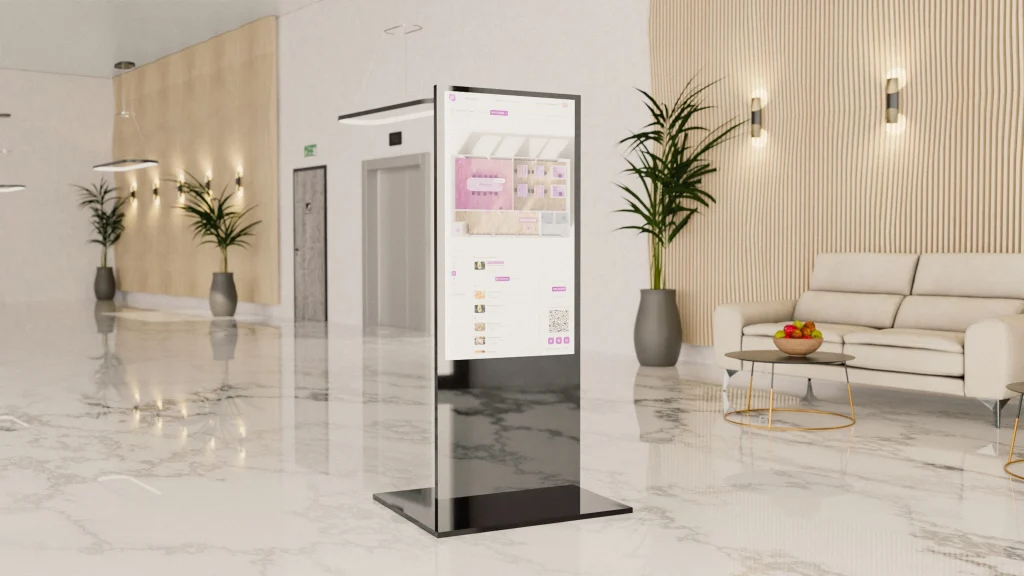
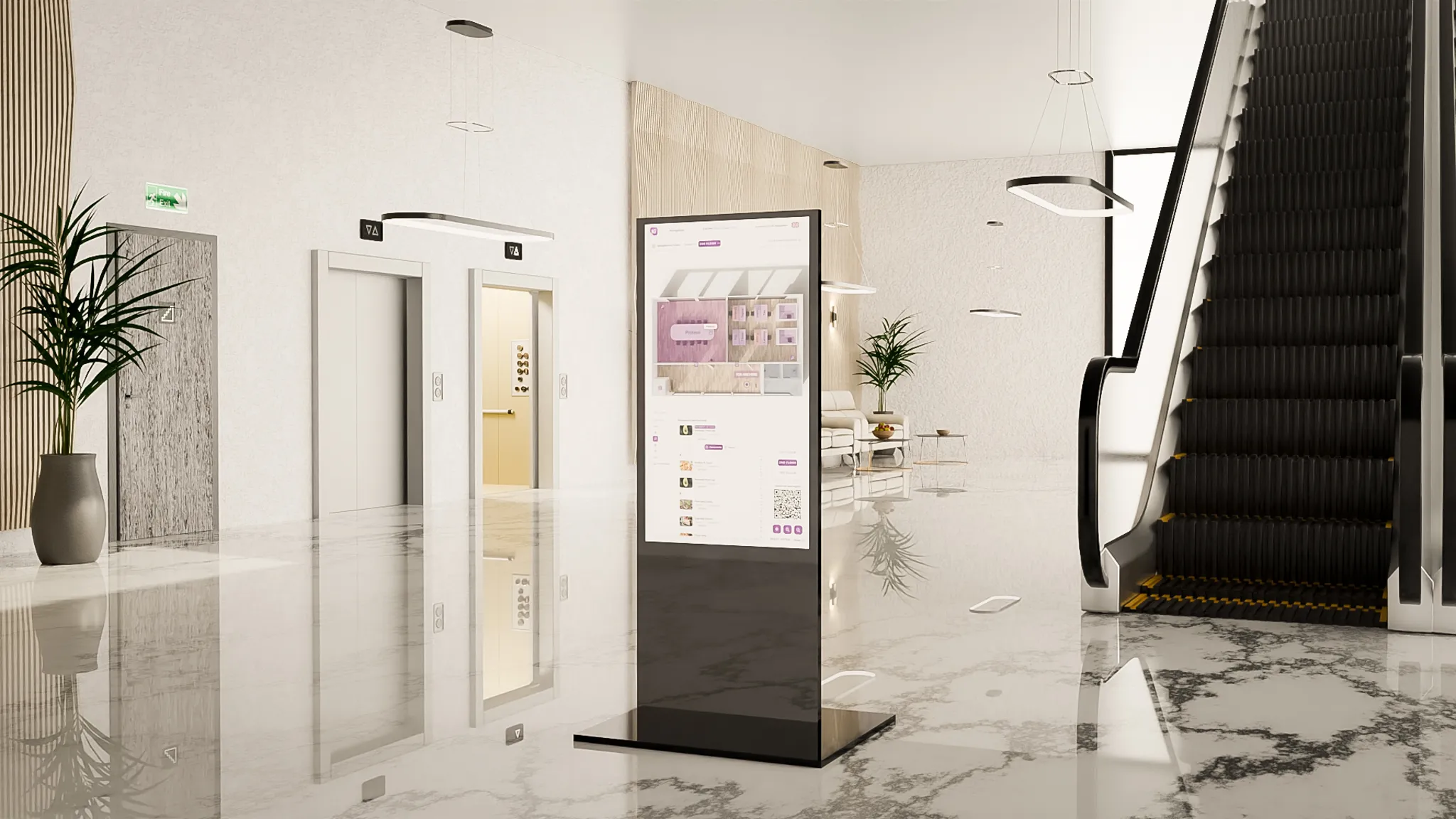
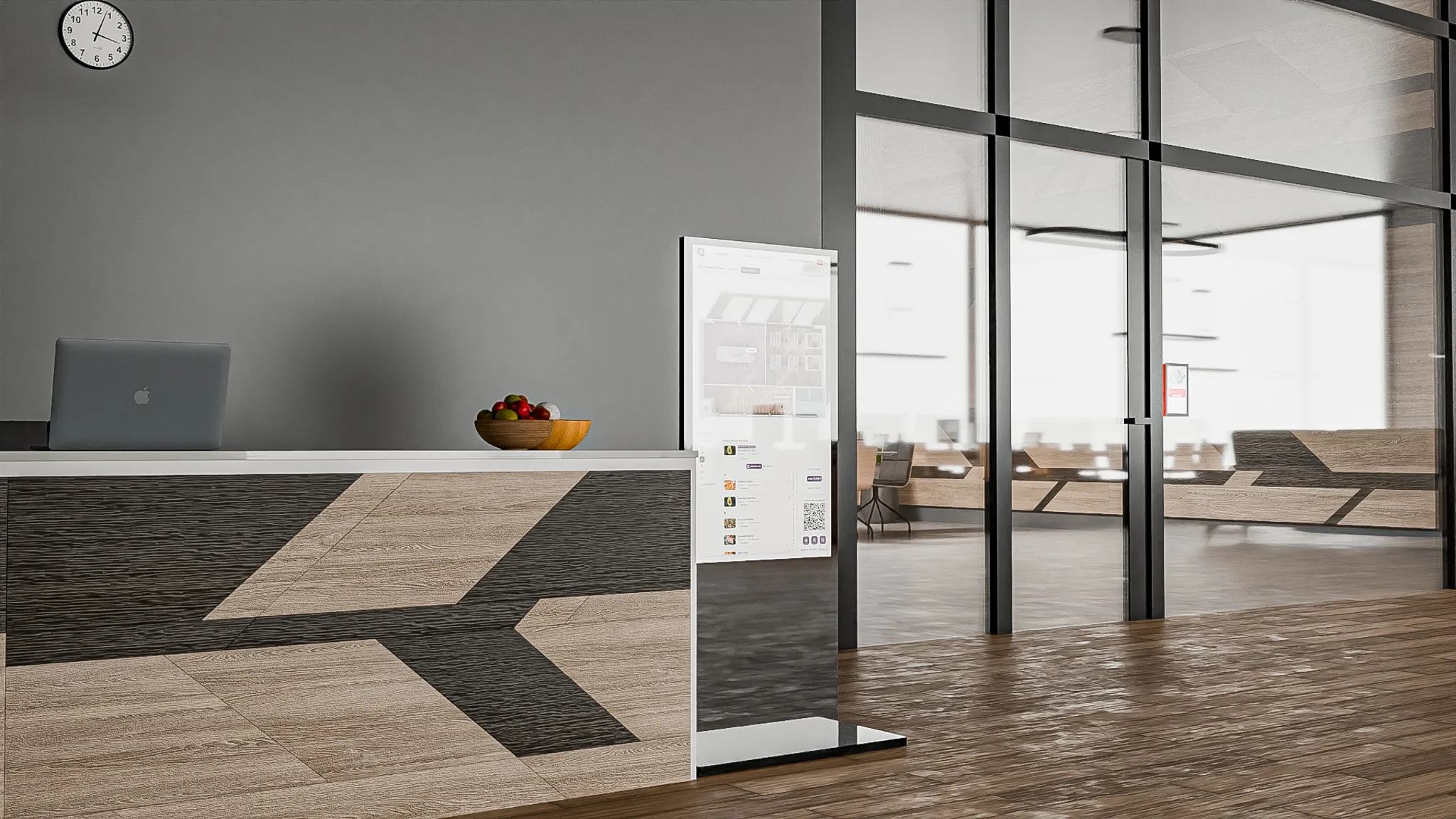
A kiosk at the entrance to the building makes it easier to find a location throughout the building and start navigation on your mobile phone.
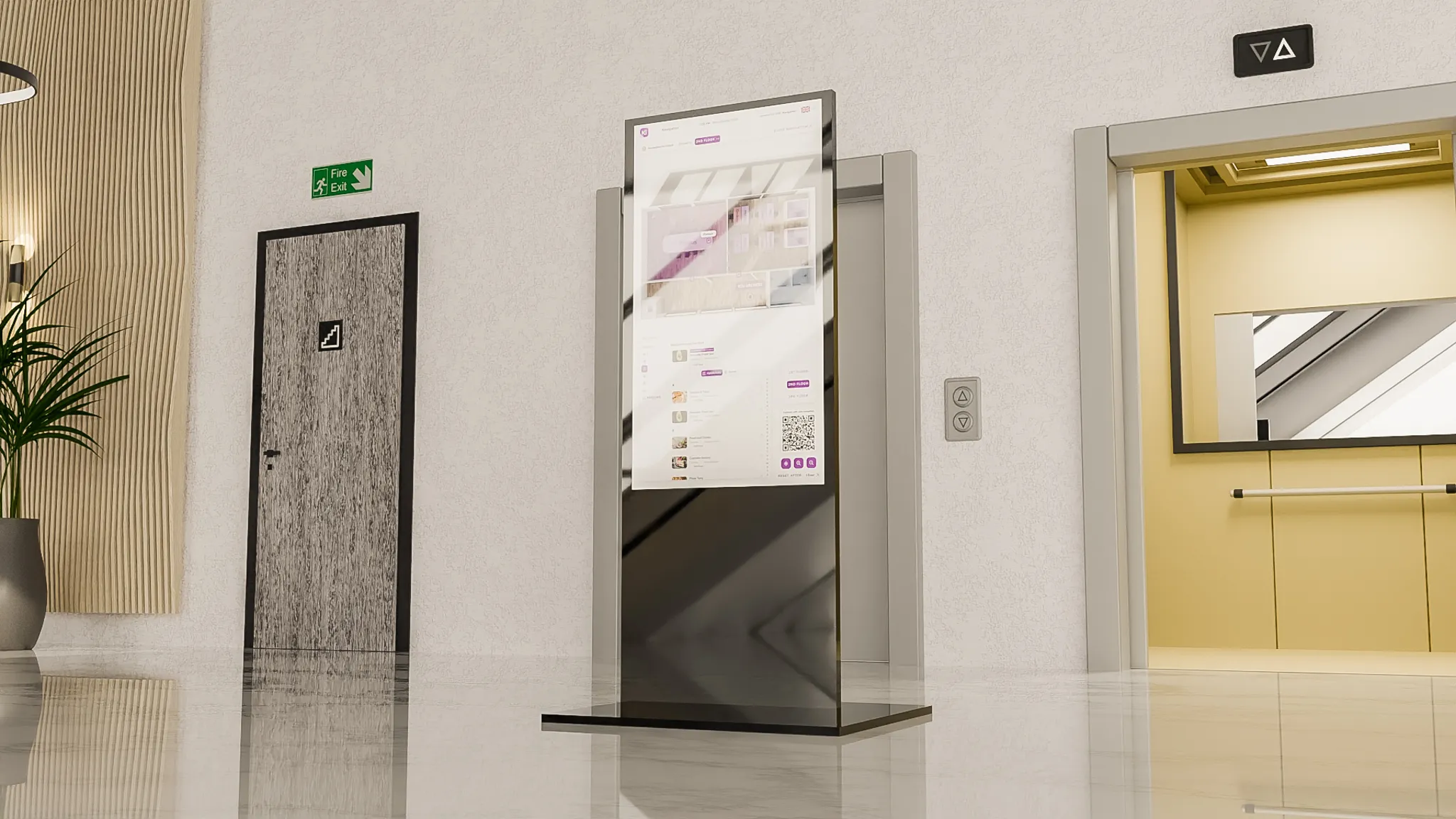
A kiosk in front of the elevator can help you quickly find your way around a particular building floor. It can also be used as an indication only without interactivity.
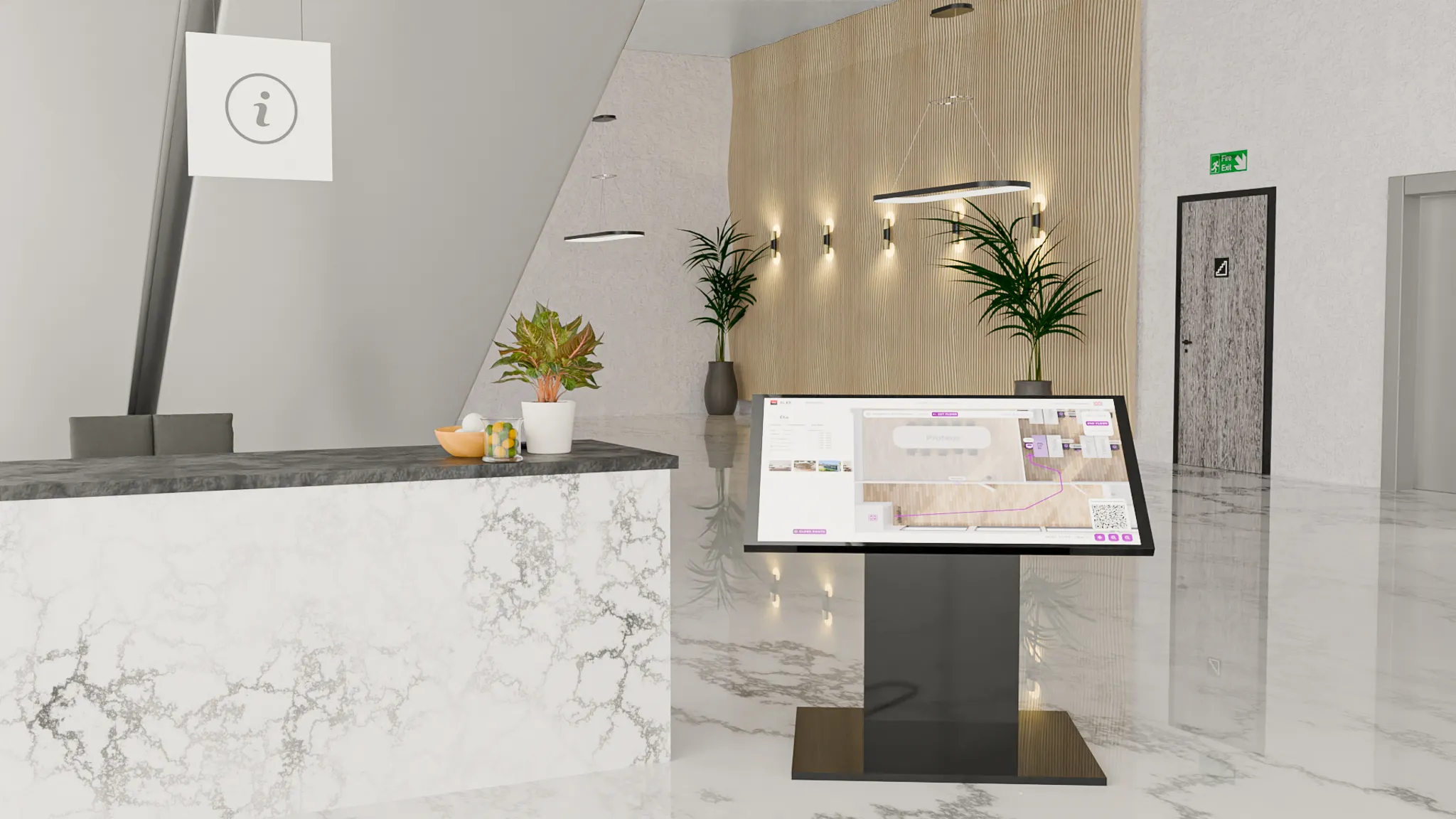
At significant intersections, the kiosk can help you find a suitable route to your destination or just show the floor plan for better orientation.
Usage modes
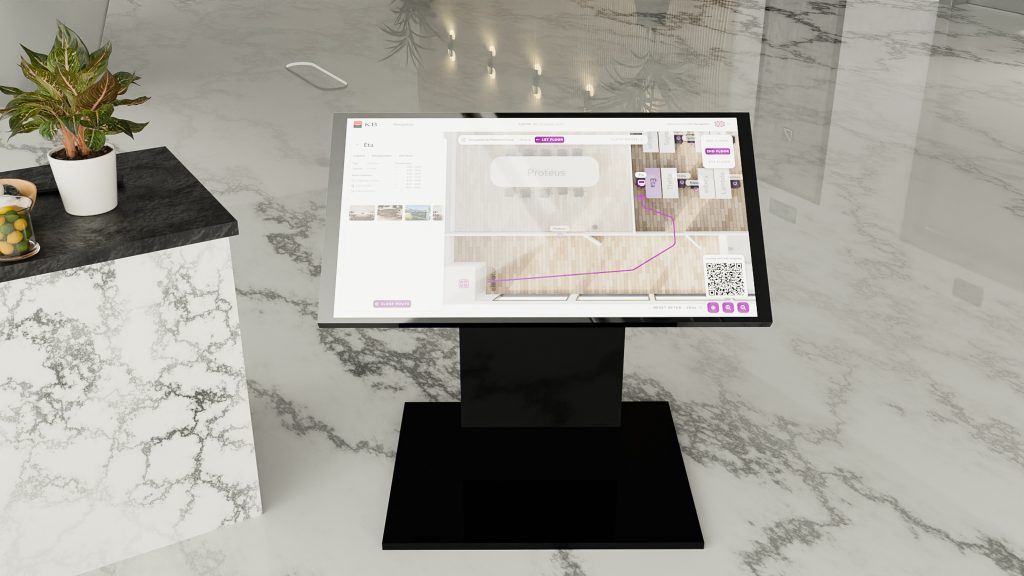
The landscape mode application is a solution for interactive navigation kiosks used for orientation in large companies, shopping centers, hospitals, public buildings, and large and complex environments. These kiosks have a large touchscreen display for ergonomic and convenient application control.
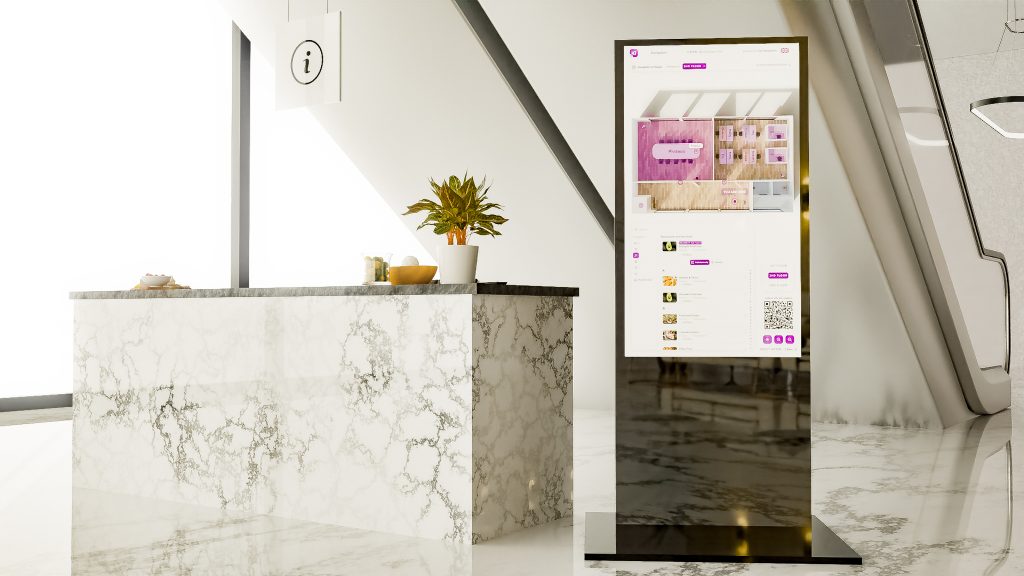
The perfect solution for information totems used for interactive navigation and communication. These totems are usually installed in public places such as museums, railway stations, airports, and tourist centers and offer a central reference point for accessing various information, including navigation.
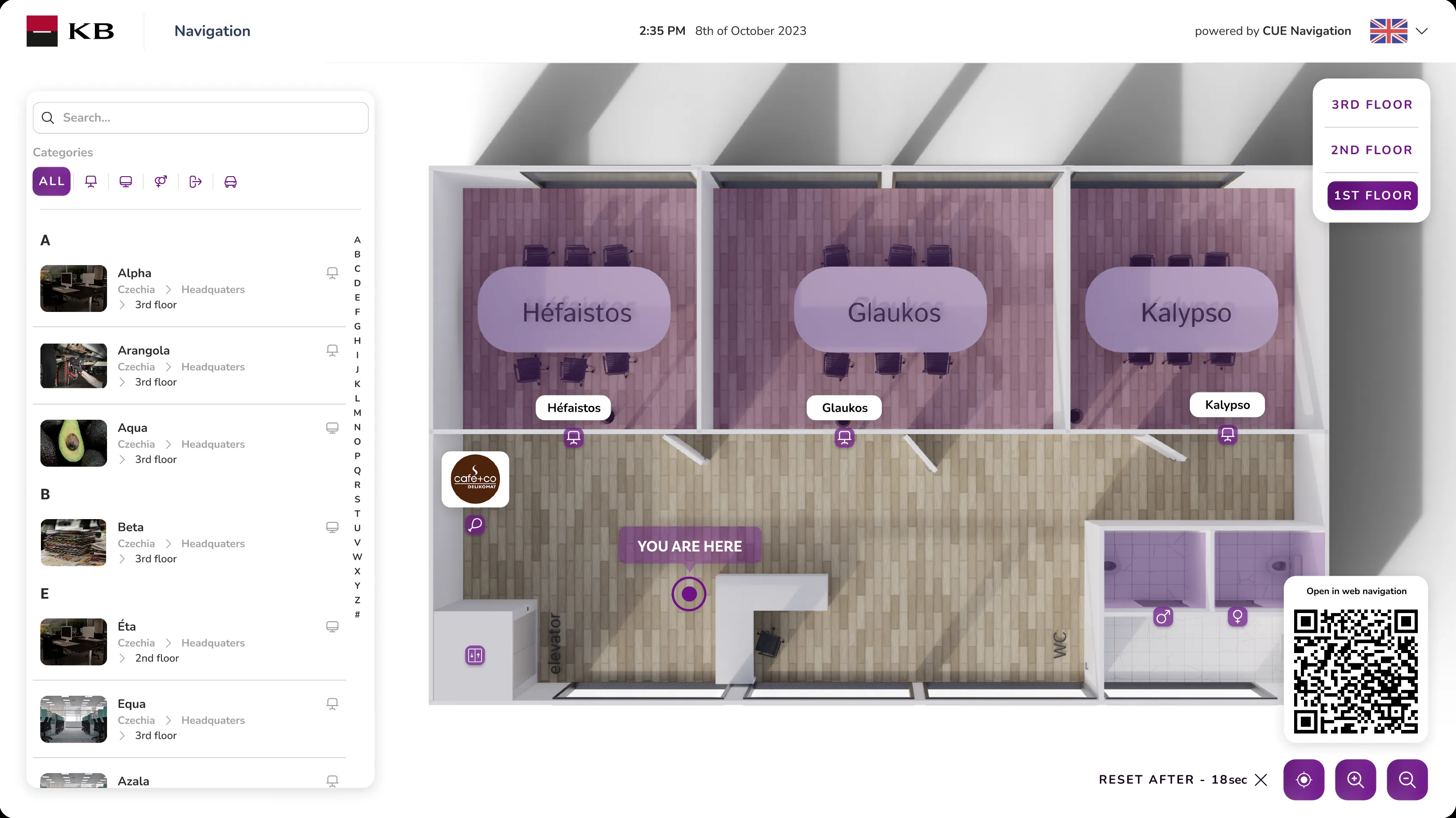
Shows floor plans for better orientation and way-finding. You can move freely even across a complex structure. Locations and points of interest are directly marked in the floor plan. Use standard touch gestures, zoom, pan, etc.
You can search for the desired destination by full-text search or by various criteria (building, floor, category, etc.). The list of locations can be sorted alphabetically and from the closest.
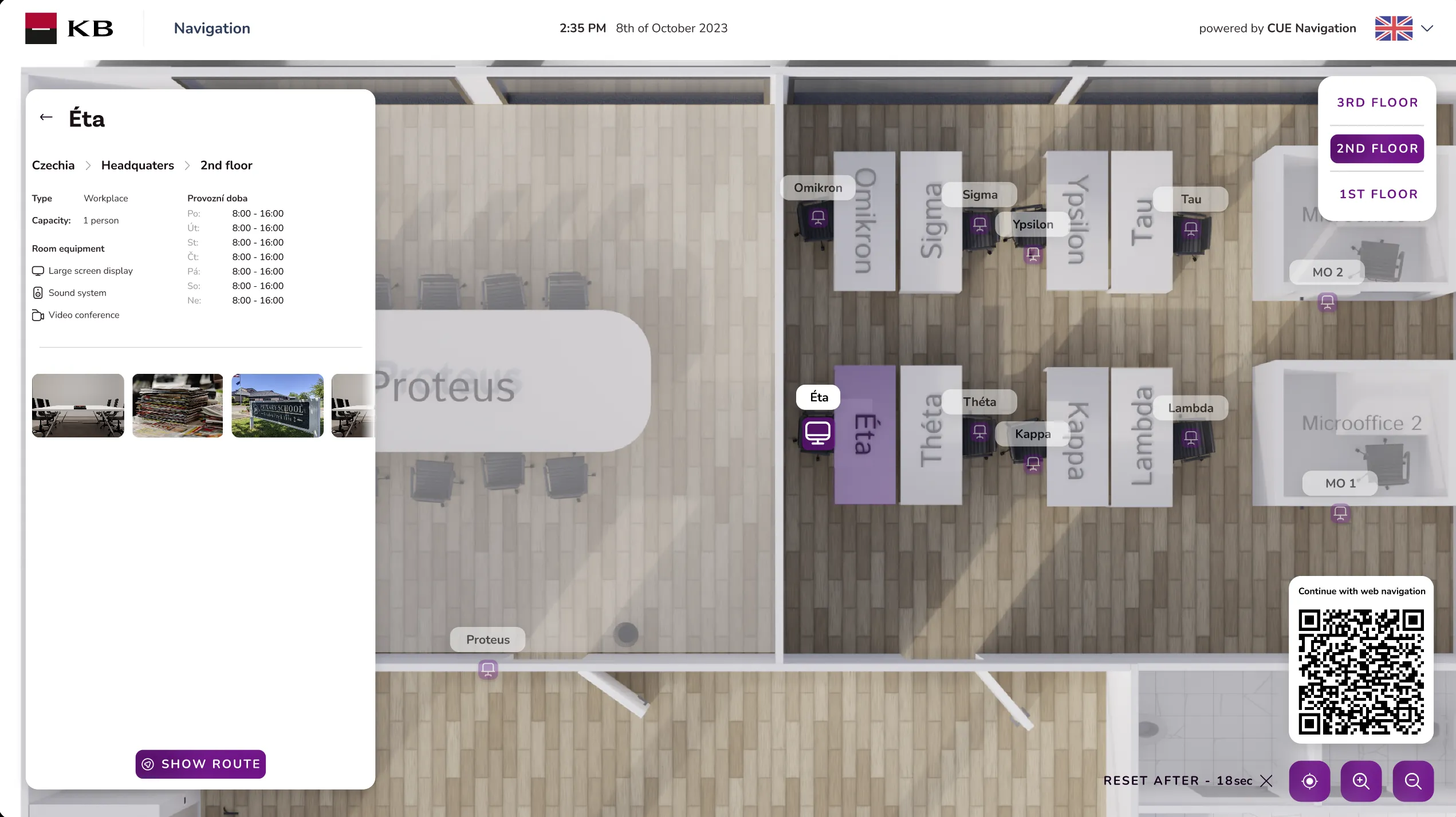
Possibility to open and explore the details of a specific location, such as information on the number of seats, room equipment, offered services, opening hours and remaining opening hours, etc.
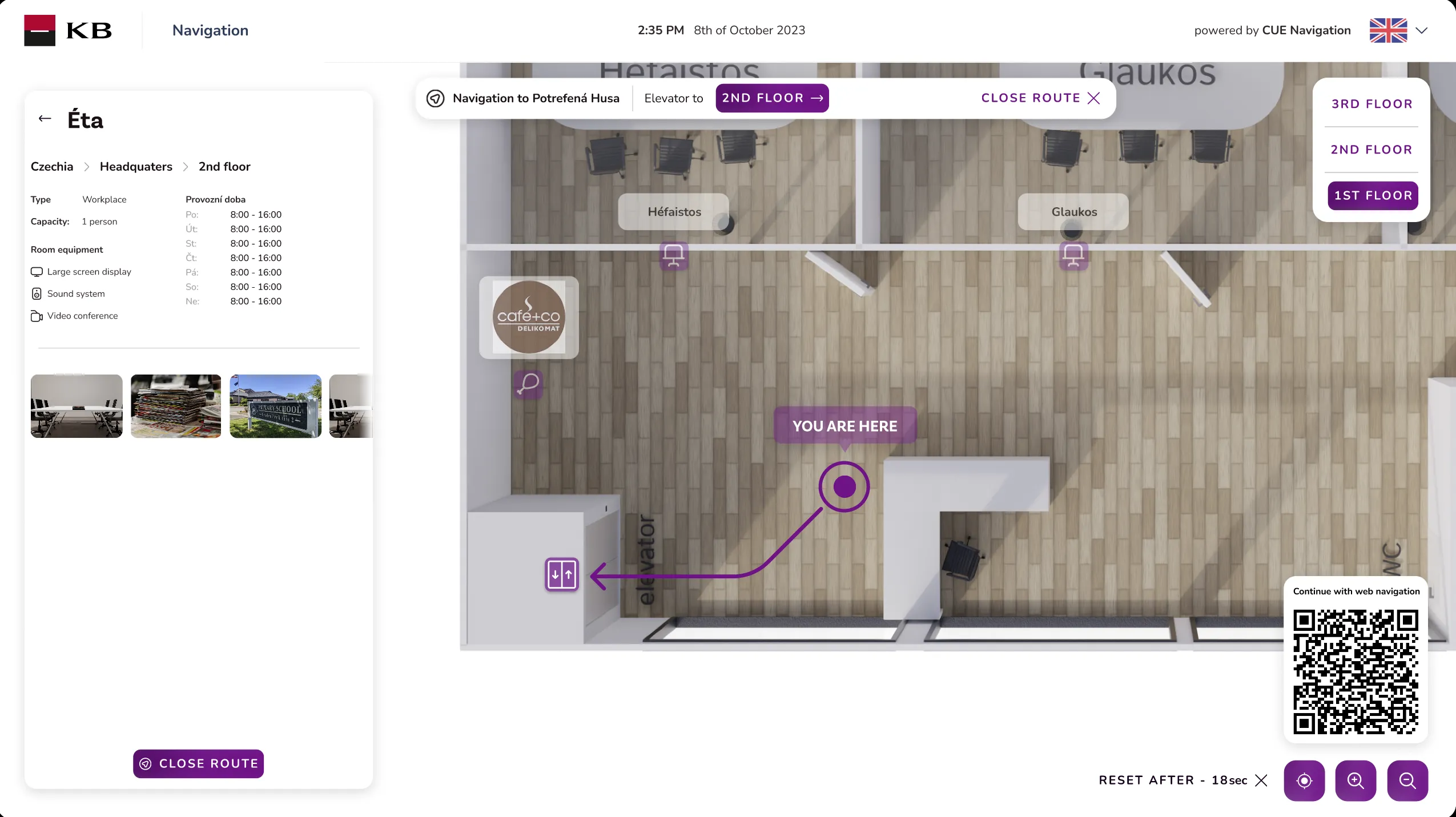
Intelligent calculations will select the closest route, even taking into account the difficulty of different routes (elevator vs. stairs up or down). The route is clearly shown in floorplans with the possibility to go through the complex structure of the building.
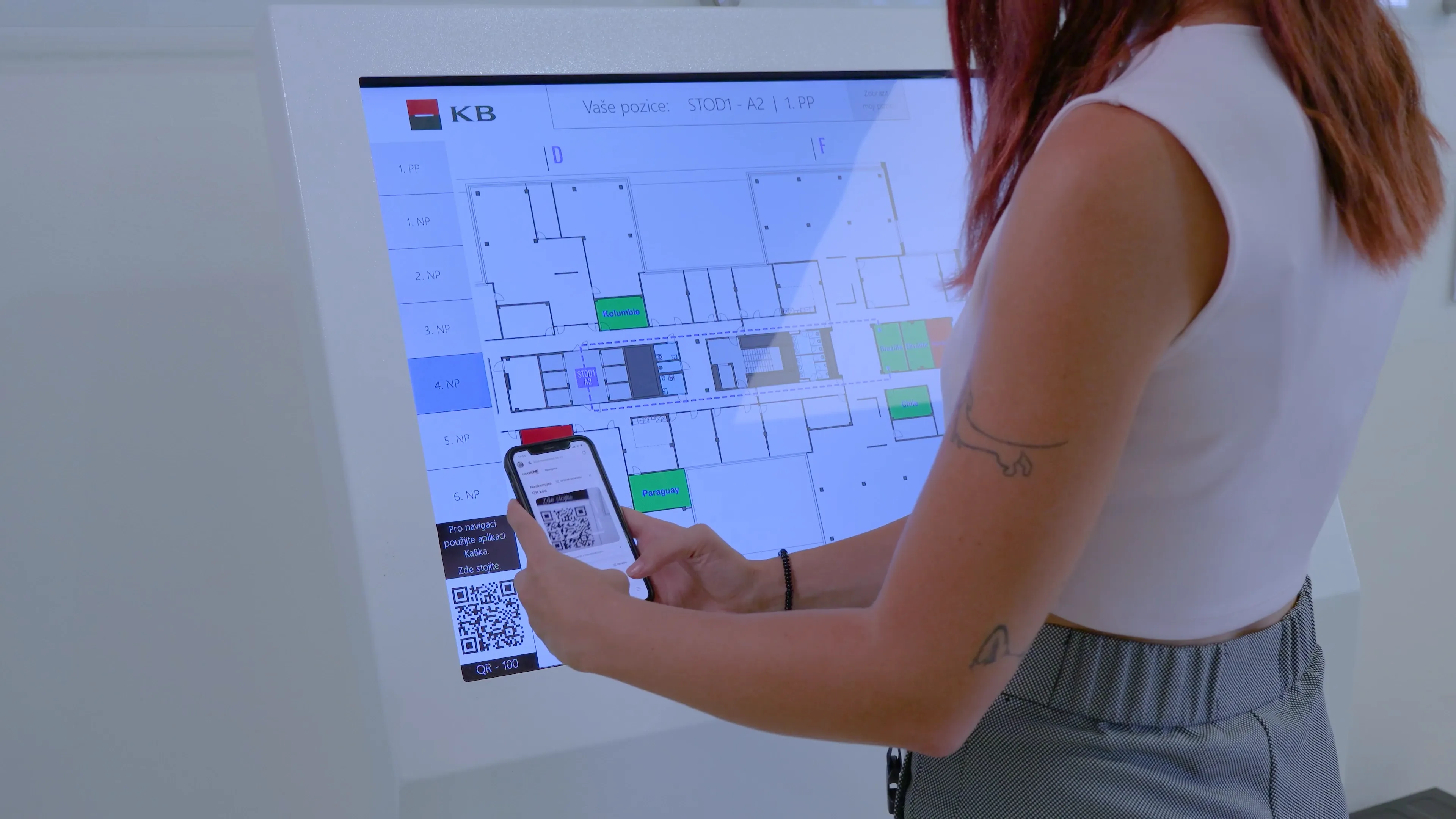
To simplify the navigation process, users can scan the QR code to start the navigation on their mobile device, including the results of the previous search on the kiosk. The navigation then continues on the mobile device without entering any additional data.
Inform users about important information or use the kiosk for advertising purposes. Despite the digital signage display, it is still clear that it is an interactive kiosk and a touch makes it easy to switch to the app. You can easily update the content whenever needed by uploading videos or images via the management app.
The user interface of our software is designed to be accessible and user-friendly, catering to a diverse global audience. To ensure that users from various linguistic backgrounds can navigate and utilize our application with ease, we have incorporated a comprehensive selection of languages for the user interface.
Catalan
Czech
English
French
German
Spanish
Ukrainian
Fill in your details